Close the lid, lose the run
Lid shut, sleep or a dropped connection stops Claude Code mid-task, and you start over.
One Mac mini M4, placed overseas on local residential gigabit fiber. Claude Desktop and Claude Code are installed. Use your account or request official subscription assistance.
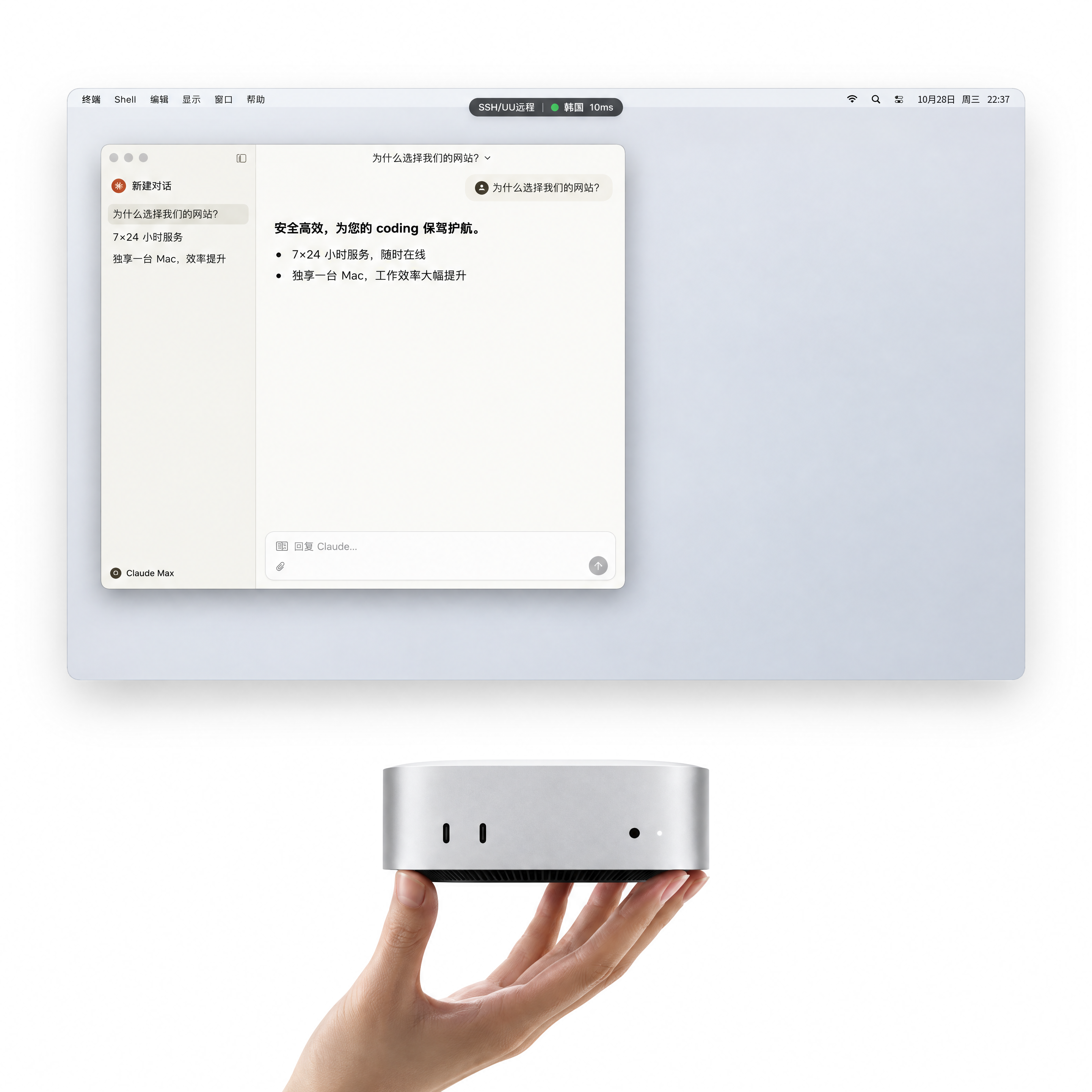
The device is placed in Seoul on a local residential gigabit connection. Connect remotely and use it like your own workstation for development, builds and long-running tasks.
Seoul is the only available node for now; the device and region stay fixed during the term.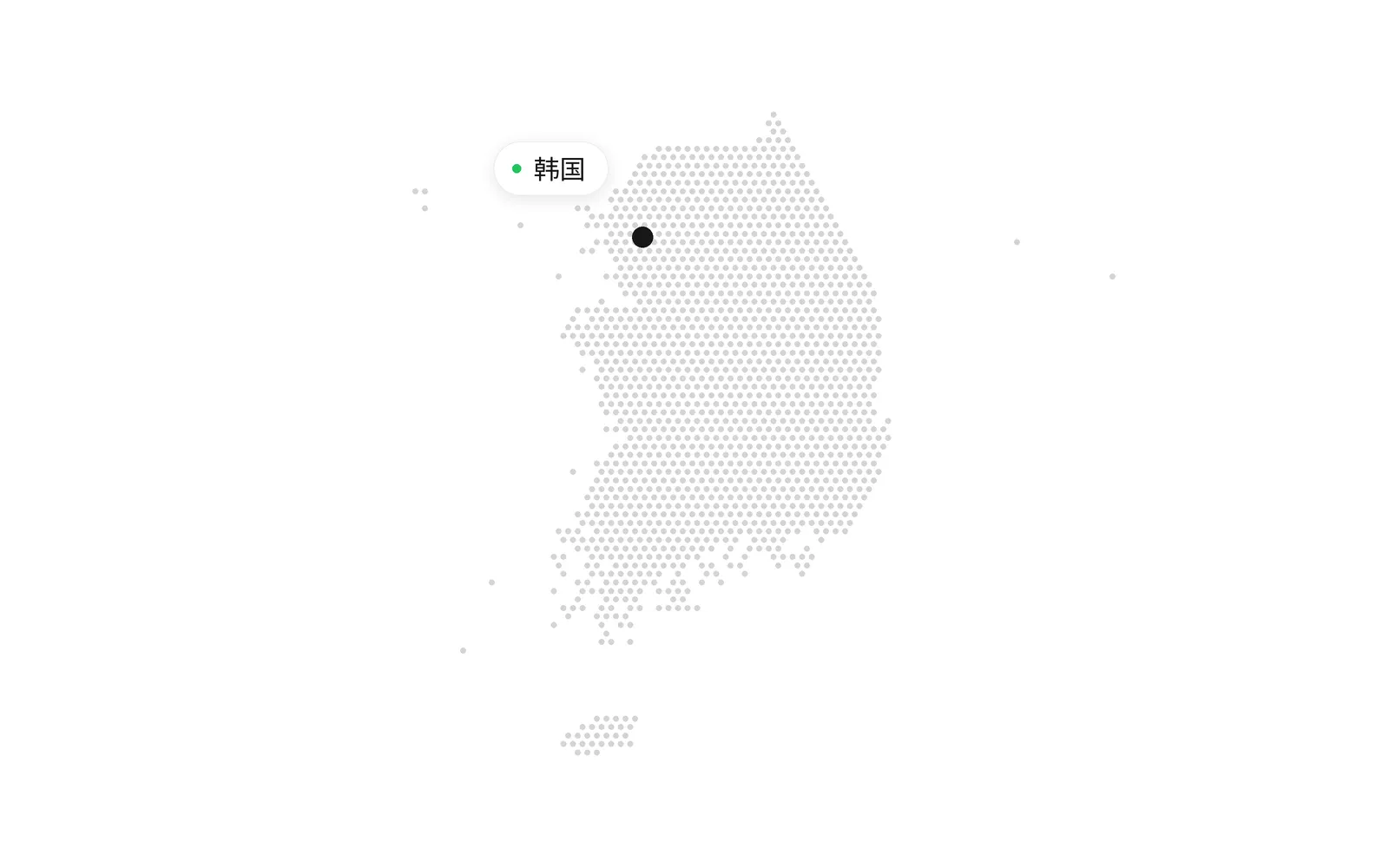
Tasks run longer and dependencies pile up. On the laptop you carry every day, something always gets in the way.
Lid shut, sleep or a dropped connection stops Claude Code mid-task, and you start over.
Letting AI install packages and edit configs is risky on the computer you work on every day.
On Windows or Linux, Xcode, iOS and macOS builds are simply off the table.
Installing clients, networking, login checks, debugging: the afternoon is gone before any code.
Parallel sessions, scheduled jobs, automatic fixes and approvals on the go.
Open three tmux windows and let three Claude Code sessions build separate features side by side.
Set up a scheduled job once. Every morning Claude Code runs the tests, writes the daily report and checks dependencies, then sends you the results.
When a new issue lands, Claude Code on the Seoul Mac finds the cause, fixes it, runs the tests and opens a PR for you to review.
On your commute, connect to the Seoul Mac from your phone, see how far Claude Code has got and approve its next edit with one tap.
Account restrictions are mixed with device changes, network changes, login environments and activity history. We keep those variables stable and provide a traceable support path.
| Self-managed | Account-only service | CCKRMAC | |
|---|---|---|---|
| Why it breaks | Device, network and login location keep changing | Account only; environment stays unresolved | Dedicated Mac, fixed node and one-user environment |
| Account ownership | You register and maintain it | Source and payment relationship unclear | Your account and verification method, recorded in the order |
| When restricted | Wait, appeal or buy again | Usually “buy another one” | Warranty option: normal-use replacements and lost days added back |
| What we solve | You investigate without context | No device, network or activity context | Fixed environment, necessary metadata and structured support |
| Subscription path | You choose your own timing | Upgrade and replacement rules vary | Max 5x in month one; Max 20x from month two |
| Data boundary | You keep all records yourself | Evidence scope and retention unclear | Minimum collection; no passwords or full chats |
| Result | You carry the account risk alone | Delivery only | Device, network and order warranty are explicit |
A complete Mac, not a shared cloud desktop. Common development tools are installed; bring your own account or request official subscription assistance.
We make event confirmation, minimum evidence, responsibility and account status reviewable. Full chats and passwords are not collected by default.
Order, timestamp, official status and the error message are enough to start.
Third-party restriction, device fault, network issue and rule violations are handled differently.
No passwords, one-time codes or unrelated chats; only material directly related to the event.
Start with Max 5x in month one. Upgrade to Max 20x from month two in your account.
A dedicated physical Mac. Bring your own account.
Start with Max 5x in month one. Upgrade after the first month.
Upgrade from month two in your account and pay the remaining difference.
Selected: monthly · standard coverage. Final availability, region, subscription and order terms are confirmed before payment.
We confirm use case, node, inventory and account conditions before payment.
Choose the Seoul node, device and month-one Max 5x.
Confirm the device, account and KYC pre-check status.
The term starts when the connection details are delivered.
Change your password, back up your data and start working.
It is a dedicated physical Mac mini, not a shared VPS. Device configuration and node are confirmed in the order.
The first month confirms the device, network and account state. Max 20x becomes available from month two in the account.
We only review completeness and format. We do not promise a third-party decision or provide ways around its review.
Passwords, one-time codes, full chats and unrelated files are not collected by default.
Back up before the term ends. The device is reset before it is delivered to another user.
Submitting the form does not charge you. We confirm the node, device, availability and service boundaries first.